Your device
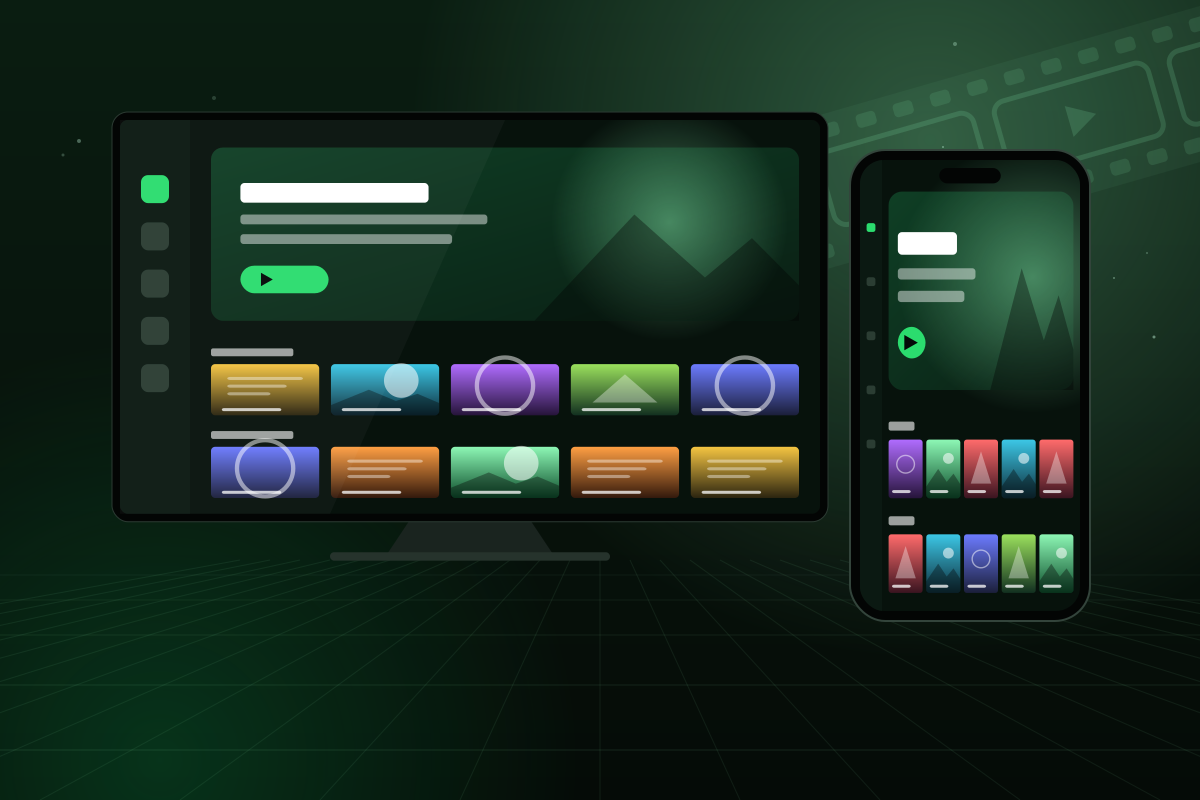
Check that the player installs easily and runs without lag on your TV, stick, box or phone.
Free trial
Before you pay anything, watch MYTIVIFLIX on your own screen and internet. Send one WhatsApp message with your device and location and we set up a short trial for you.
Your checklist
A trial tells you most when you check the things your household actually cares about. Start with these four.
Check that the player installs easily and runs without lag on your TV, stick, box or phone.
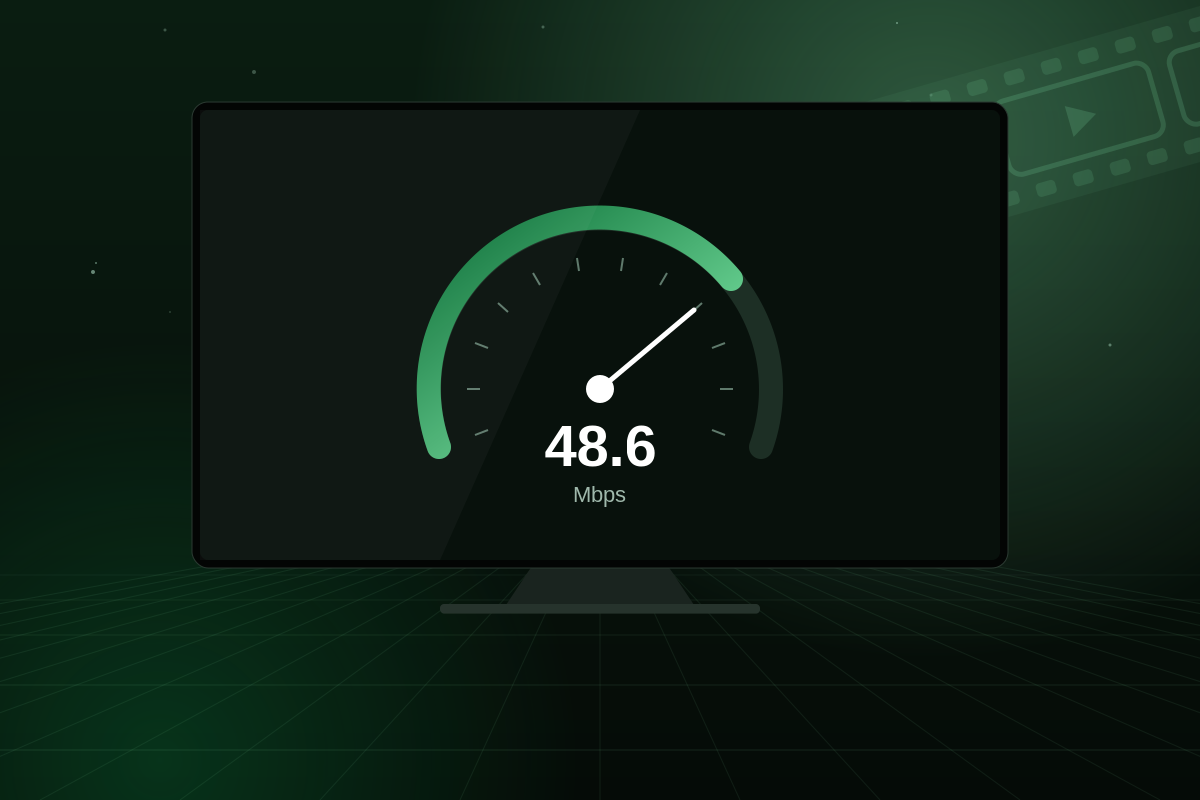
Watch live channels at the hours you normally watch and see how your broadband copes.
Look up the networks, sport and international channels that matter in your home.
Start a couple of films or episodes and try pause, rewind and resume.
How it works
Tap the button and mention your device and where you live. The first line is already written.
We send temporary details plus set-up steps for the best player on your device.
Use it like you normally would. Like it? Choose a plan. If not, there is nothing to cancel.
Trial tips
Trial FAQ
A few hours, enough to check your channels, the picture and the app on your own device. We tell you the exact length when we send the trial login.
No. You request the trial on WhatsApp and it costs nothing. We never ask for payment details to start one.
The real service, not a demo: live channels, the TV guide and the film and series catalogue, in whatever quality your device and connection can handle.
Nothing, it just ends. A trial never turns into a paid plan by itself. If you want to keep watching, pick a plan on the pricing page.
A trial is set up for one device. If you are torn between two, tell us both and we will help you decide which to test.
Go straight to a plan. We set you up in the same WhatsApp conversation.